One system, not two systems that happen to share a room

The usual way lighting gets bolted onto a Q-SYS room is a relay, a contact closure, or a string of commands somebody wrote once and nobody wants to touch. It works until the day it does not, and it only ever goes one direction — the DSP tells the lights something and hopes.

DMX Core 100 uses the Q-SYS Core's built-in control interface instead. Lighting parameters become Control Values, Control Values map to Q-SYS named controls, and the binding is two-way: move a fader on the DSP and the lighting follows; change it anywhere else and the DSP sees the new value. Nothing has to be kept in sync by hand.

Pre-installed plugin Named-control mapping Two-way state sync Cue & timeline triggers No DSP scripting
Multipurpose AV room with integrated audio, video and lighting control

What the integration actually does

Five things, all of them native. None of them require a command string.

Pre-installed plugin

The QSys DSP plugin ships with DMX Core 100 and is covered by the lighting license — nothing to download, nothing extra to buy. Open Control & Integrations → Plugins, enter your Core's server address, save, and the plugin connects immediately. No restart.

Named controls, not command strings

Control Values map straight onto Q-SYS named controls — levels, selectors, mutes and toggle states. The integrator works in the vocabulary the Q-SYS design already uses instead of inventing a protocol between two boxes.

Two-way state sync

Move a fader on the DSP and the lighting menu follows. Change the same value from the touchscreen, a control surface or a schedule and the Q-SYS control updates too. A shared touch panel shows the truth, not the last thing it sent.

DSP-side triggers

Control Value input triggers fire DMX Core 100 actions when a control changes on the DSP side. A room-combine state, a source selector or a preset button on Q-SYS can start a cue, recall a preset or run a timeline — no extra wiring.

One panel for both

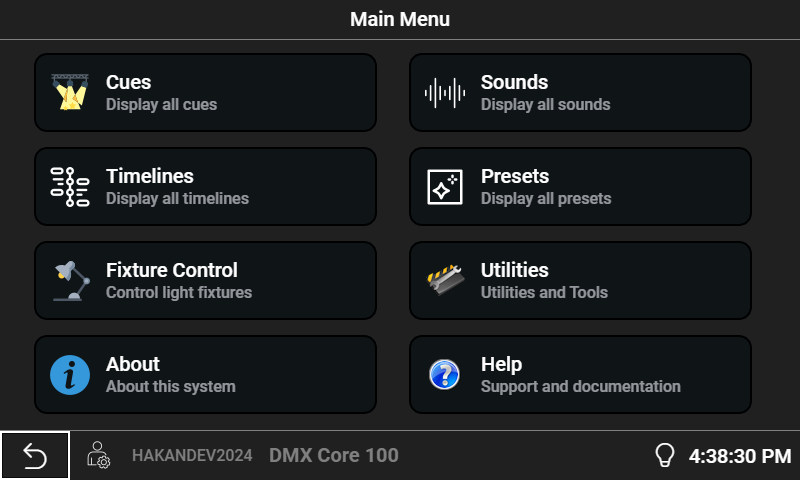
Bind mapped Control Values into a DMX Core custom menu and the touchscreen becomes a DSP remote — audio levels and source selection sitting next to preset and cue buttons, across multiple pages with custom colours and icons.

Symetrix too

The same Control Value model covers Symetrix DSPs, where Control Values map to controller numbers instead of named controls. One approach, both platforms, using each DSP's built-in control interface.

Four steps from Core to fixtures

The whole commissioning path, in the order you would actually do it.

Connect the plugin

In the DMX Core Web UI, open Control & Integrations → Plugins, open the QSys DSP plugin settings, and enter the server address of your Q-SYS Core. Port 1702 by default. Save, and it connects there and then.

Map Control Values

Point Control Values at the Q-SYS named controls you want to expose — levels, selectors, mutes, toggles. Mapping is two-way from the moment it is made.

Bind them

A mapped Control Value can drive a custom menu slider, a control surface knob, an input trigger, a timeline or a script. Bind once and it works from every surface.

Build the room's panel

Lay out a custom menu combining the DSP controls with lighting presets and cues. Pages, colours and icons are all editable remotely, and changes appear on the touchscreen immediately.

Nothing extra to buy: Q-SYS and Symetrix control is part of the DMX Core 100 lighting license, and both integrations use the DSP's built-in control interface — so no scripting and no extra licenses are required on the DSP side either. Full configuration detail is in the external control documentation.

Rooms where one system should drive everything

Q-SYS tends to show up where the room has to be operated by whoever is on shift, not by a lighting programmer. That is exactly where lighting needs to be on the same panel as everything else.

Conference centres & corporate AV

Room-combine states, presets per configuration, and lighting that follows the divider walls without anyone touching a second system.

Houses of worship

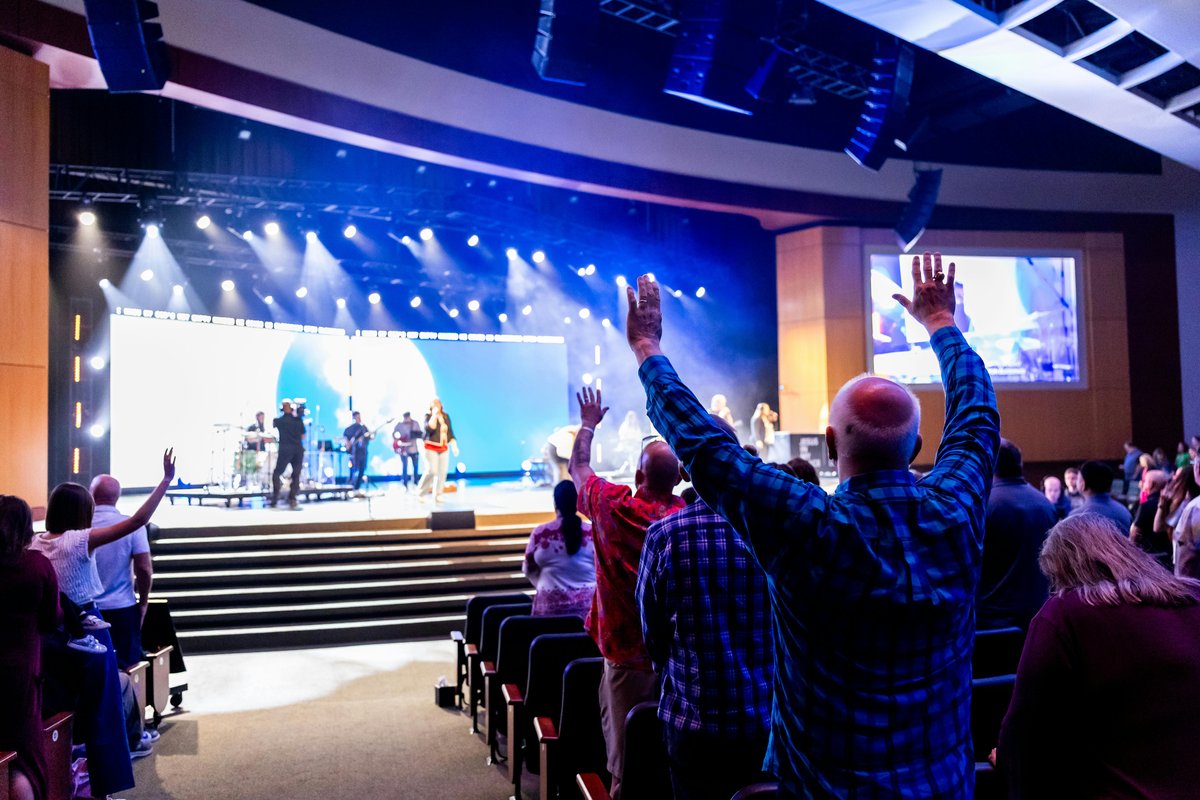
Volunteers run the service from one touch panel. Lighting looks, audio levels and source selection sit together, and the panel always shows the real state.

Multipurpose & hospitality venues

One Q-SYS Core, several zones, and a lighting controller that scales to 800 universes so a growing site never forces a swap of the box.

Systems integrators

Program the whole thing in software on a laptop before hardware ships, then deploy to the same software or to a touchscreen appliance.

Worship venue with integrated lighting and AV control

And a full lighting controller behind it

The Q-SYS side is a way in. What it reaches is a complete lighting platform.

800 universes, four protocols

Art-Net, sACN, DMX-512 and KiNet, up to 800 universes at 40 Hz, with conversion between protocols on output. See the full feature list.

Record and play back real shows

Capture DMX from an existing console at protocol level and replay it standalone. More on record & playback.

Timelines, schedules and zones

A timeline editor with synchronised audio, sunrise/sunset scheduling, and zones so each area of a venue runs its own programme.

24 permission-based roles

Give the AV team full access and the front-of-house volunteer a single page. See how venues set this up.

Frequently asked questions

Can Q-SYS control DMX lighting?

Q-SYS does not output DMX itself, so it needs a lighting controller alongside it. DMX Core 100 fills that role: it connects to your Q-SYS Core over the network, exposes lighting as Q-SYS named controls, and outputs Art-Net, sACN, DMX-512 or KiNet to the fixtures. From the Q-SYS side it behaves like any other controllable device on the system.

Does the Q-SYS integration need scripting or an extra license?

No. Q-SYS and Symetrix control is included in the DMX Core 100 lighting licenses, so there is no separate integration product to buy from us. The QSys DSP plugin ships pre-installed and uses the DSP's built-in control interface, so there is no Lua scripting to write and no additional license on the Q-SYS side either. You enter the Core's server address in the Web UI and the plugin connects immediately, without a restart.

What port does DMX Core 100 use to talk to a Q-SYS Core?

Port 1702 by default. In DMX Core 100 you open Control & Integrations, then Plugins, open the settings for the QSys DSP plugin, enter the server address of your Core, and save. Symetrix DSPs are supported the same way on port 48631.

Does lighting state show up on a Q-SYS touch panel?

Yes. The mapping is two-way: move a fader on the DSP and the lighting follows, and a change made anywhere else in DMX Core 100 is reflected back to the Q-SYS control. That means a Q-SYS touch panel shows the real current state rather than the last value it happened to send, which is what makes a shared panel trustworthy in a room with more than one operator.

Can a Q-SYS button trigger a lighting cue or a timeline?

Yes. Control Value input triggers fire DMX Core 100 actions when a control changes on the DSP side, with no command strings or extra wiring. A room-combine state, a preset recall button or a source selector on the Q-SYS system can start a cue, recall a preset or run a timeline in lighting.

Do I need the DMX Core 100 appliance, or will the software do?

Either works. The Q-SYS integration is the same in the desktop software on Windows, macOS and Linux as it is on the touchscreen appliance. Most integrators prove the integration out in software on a laptop first — the demo mode is free, full-featured and does not expire — and then decide whether the room wants a dedicated touchscreen on the wall or a rack unit.

Try it against your own Core

Download DMX Core 100 free in full-feature demo mode, point the QSys DSP plugin at your Q-SYS Core, and map a control. No signup, no hardware required.

Q-SYS™ and QSC® are trademarks of QSC, LLC. Symetrix® is a trademark of Symetrix, Inc. DMX Core is not affiliated with or endorsed by either company; this page describes an integration built on their published control interfaces. DMX Core prices set out or referred to on this page are recommended prices only, and there is no obligation to comply with the recommendation.